Have something to say.
A topic, a thesis, or a few rough notes.

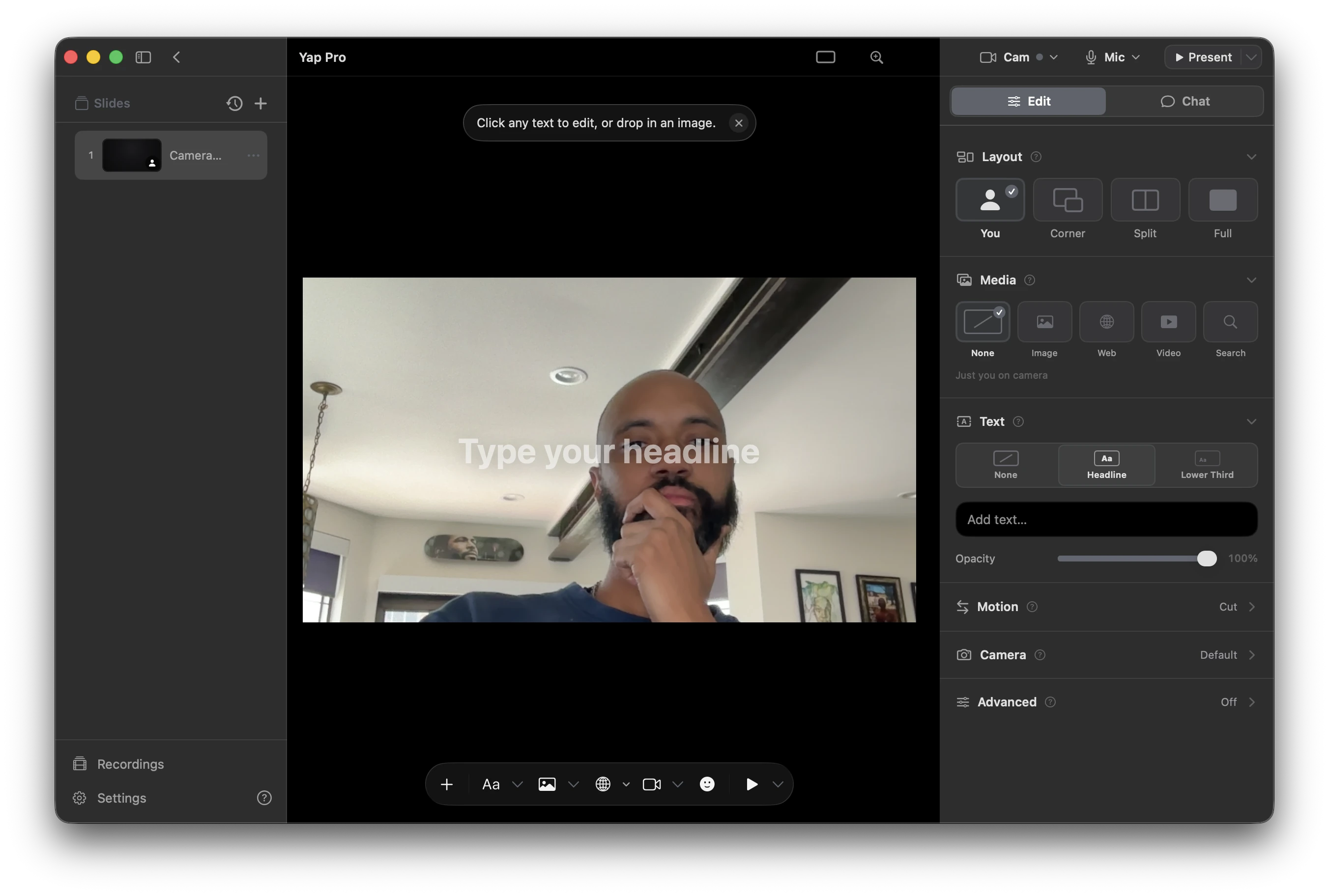
Turn a topic into a presentation that plays over your live camera. Perform it live. Keep the video.
The presentation and the person, in one frame.
Start with a thought. End with a take.
A topic, a thesis, or a few rough notes.
Stay in frame while the presentation moves around you.
Record the takes you want to keep or share.
Watch the five-minute lecture-performance that introduced Yap at Gray Area’s 2026 Cultural Incubator Showcase.